What it costs
Nothing to start. The free plan connects Gmail and Google Calendar and covers everyday use. Paid plans add more usage, not more features. It works in the Muse app, on the web, and in WhatsApp.
What it's good at
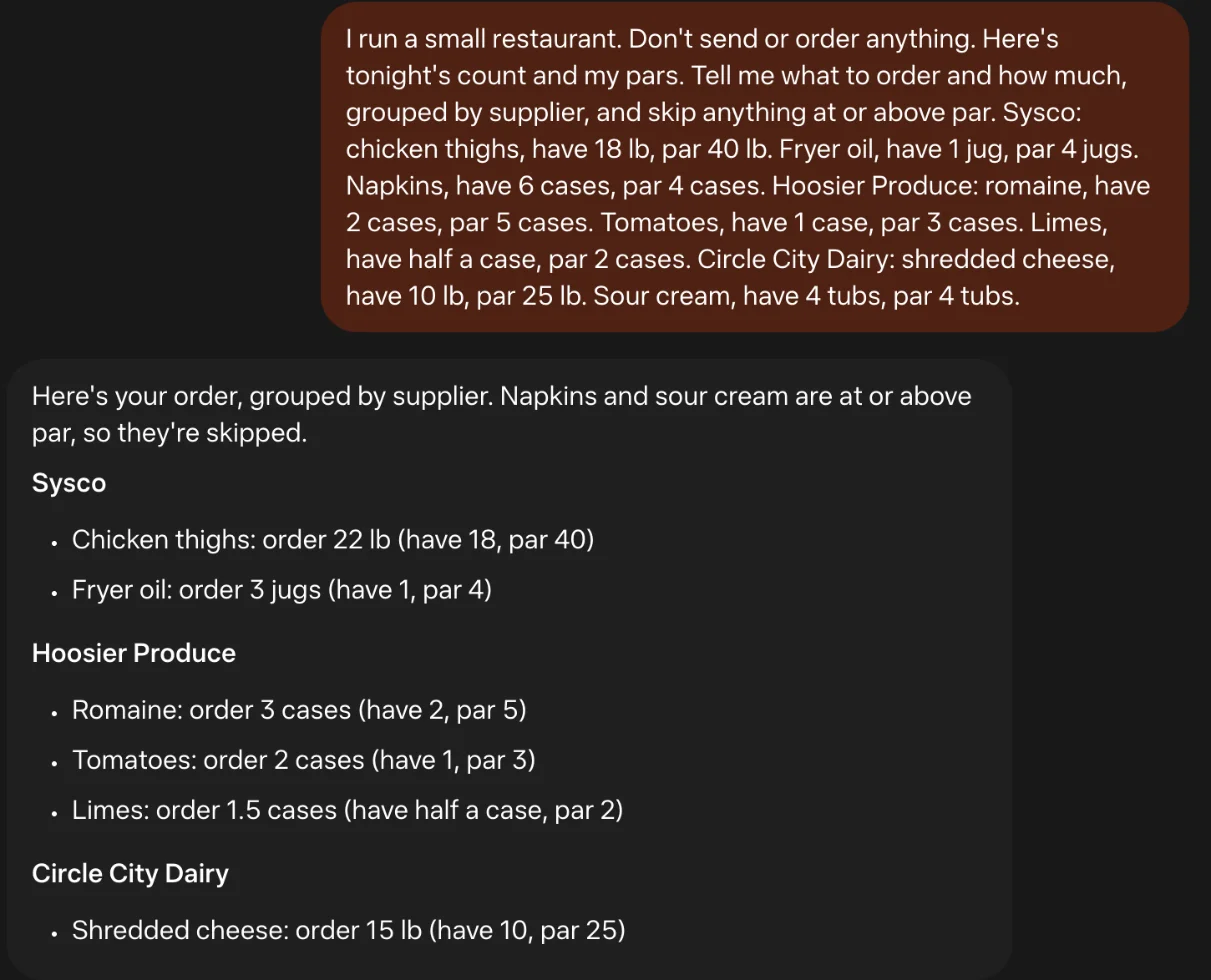
Give it the facts, and it gives you the email, the list, or the math. Every job below links to the exact words I sent and the reply I got back.
Getting paid
The emails you put off because they're awkward.
Customers
Replies that sound like you, in a minute instead of twenty.
Your team
Schedules and hiring, without the back-and-forth.
Running the place
The math and lists you'd otherwise do on the back of a receipt.
Vendors and paperwork
When something goes wrong and you need it in writing.
Try one now
The job most owners keep: one note every morning with only the emails that need you.
Every morning at 7, go through my inbox and give me only the emails that need me personally, with a one-line draft reply for each. Skip newsletters, receipts, and anything automated.
Where it stops
Muse drafts and sorts. It asks before it sends an email, it works from one conversation, and it connects to Gmail and Google Calendar, not Outlook. It doesn't run your booking software, your books, or your order system.
Keep card numbers, passwords, and anything a customer told you in confidence out of the chat. Paste what you'd be fine putting in an email.
Running several streams of work at once? A team of agents can fit better. Muse vs Grok Bot compares the two. And when quotes, orders, or bookings need to happen without you, in the software you already use, that's something I build.
New jobs for owners, by email
One short email when there's a new job Muse can take off your plate.
You're on the list. New setups arrive by email.
 Bruno Amorim, founder